 CodeMaster Academy
Python for Beginners: A Complete Roadmap
Introduction
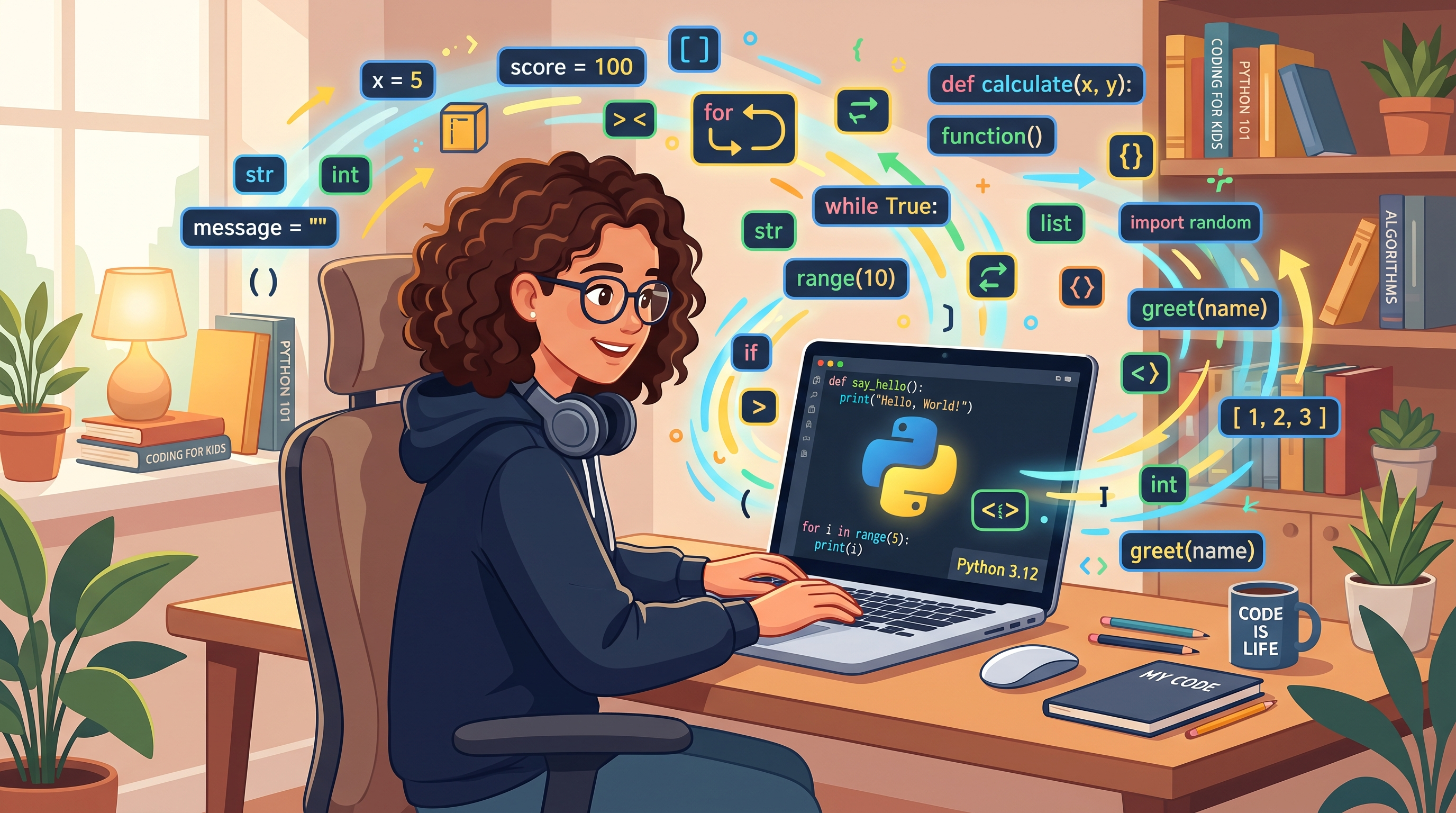
If you have ever wondered how apps like Instagram, Netflix, and Spotify handle their backend logic, or how data scientists analyze millions of rows of data in seconds, chances are Python is involved somewhere in the process. Python is one of the most beginner-friendly programming languages in the world, and it is also one of the most powerful. It reads almost like plain English, which means new programmers can focus on learning logic instead of getting stuck on confusing syntax.
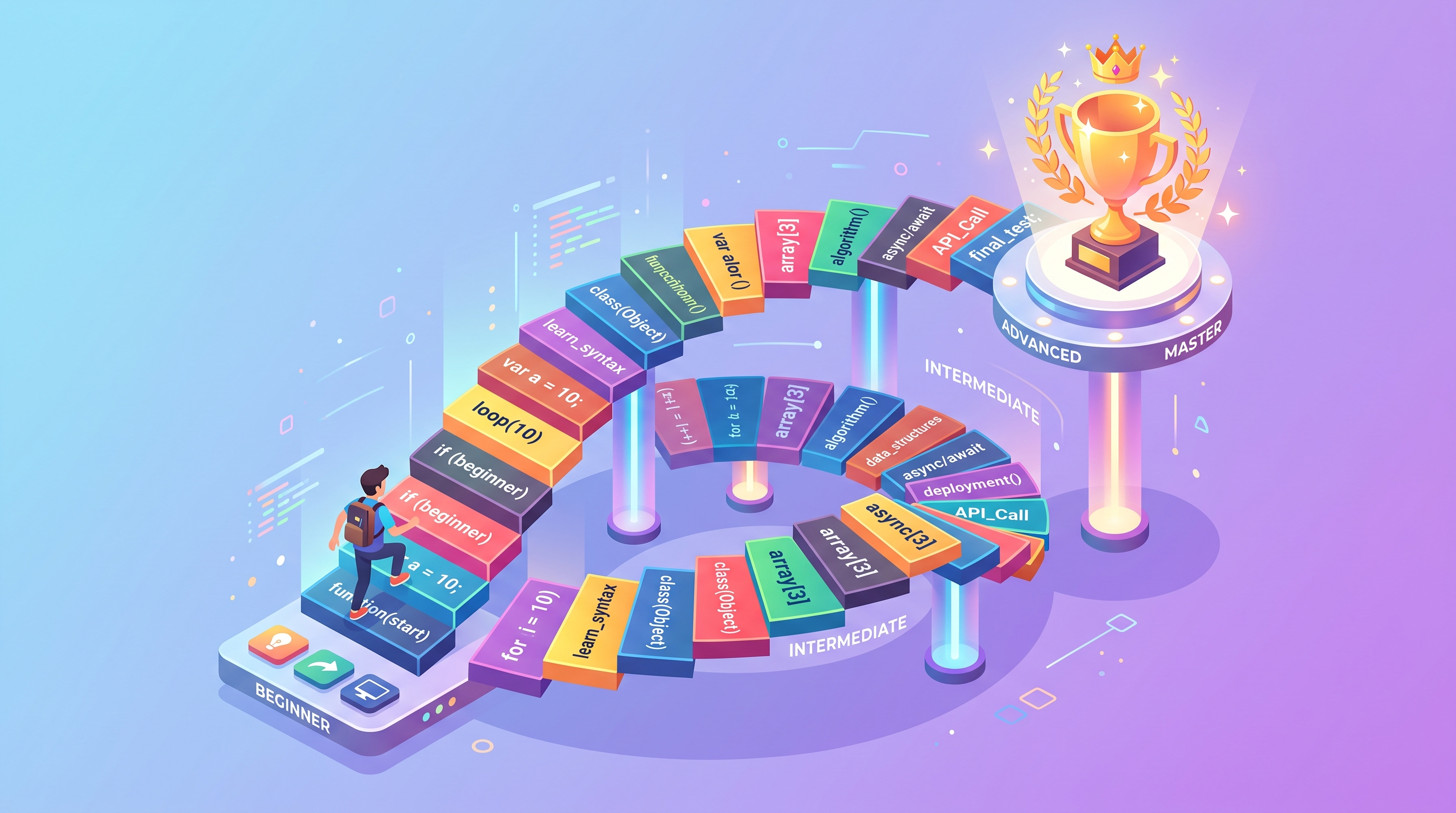
This roadmap is written for absolute beginners — students, career switchers, hobbyists, or anyone who has never written a single line of code before. We will walk through exactly what to learn, in what order, and how long you should realistically spend on each stage. Instead of throwing a giant list of topics at you, this guide breaks Python learning into clear phases so you never feel lost about "what to learn next."
Python is used in web development, data science, machine learning, automation, game development, and cybersecurity. Because of this versatility, learning Python opens doors to many different career paths without forcing you to pick one immediately. You can start general and specialize later once you discover what excites you the most.
By the end of this roadmap, you will have a clear picture of the exact skills, projects, and tools you need to go from "I don't know how to code" to "I can build real Python applications." Let's get started.
How to Use This Roadmap
- Start with the fundamentals section first — do not skip ahead even if a topic looks easy.
- Spend at least one week on each major phase before moving to the next one.
- Type out every code example yourself instead of copy-pasting; muscle memory matters.
- Build the suggested mini-project at the end of each phase before continuing.
- Revisit topics you found confusing after finishing the whole roadmap once.
- Join a coding community or forum to ask questions when you get stuck.
- Track your progress with a simple checklist so you can see how far you have come.
Phase-by-Phase Roadmap
Phase 1: Python Basics (Week 1–2)
Every Python journey starts with understanding variables, data types, and basic operators. In this phase you will learn how to store information in variables, work with numbers and text (strings), and perform simple calculations. You will also learn about input and output, meaning how to take input from a user and print results back to the screen.
Key topics to cover:
- Installing Python and setting up an editor like VS Code
- Variables and data types (int, float, string, boolean)
- Basic arithmetic and string operations
- Taking user input with the input() function
- Printing output with print()
- Comments and code readability
Mini project: Build a simple calculator that adds, subtracts, multiplies, and divides two numbers entered by the user.
Phase 2: Control Flow (Week 2–3)
Once you understand variables, the next step is teaching your program to make decisions and repeat actions. This is where if-else statements, loops, and logical operators come in. This phase is often where beginners feel their first "aha" moment because your code finally starts to behave intelligently.
Key topics to cover:
- if, elif, and else statements
- Comparison and logical operators (==, !=, and, or, not)
- for loops and while loops
- break and continue statements
- Nested loops and conditions
Mini project: Build a number-guessing game where the computer picks a random number and the user tries to guess it.
Phase 3: Data Structures (Week 3–5)
Data structures let you store and organize collections of data efficiently. Python's built-in data structures are one of the biggest reasons the language is loved by beginners — they are intuitive and flexible.
Key topics to cover:
- Lists and list methods
- Tuples and when to use them instead of lists
- Dictionaries and key-value pairs
- Sets and their use cases
- List comprehensions for cleaner code
Mini project: Build a to-do list application that lets users add, remove, and view tasks stored in a list.
Phase 4: Functions and Modules (Week 5–6)
Functions let you organize your code into reusable blocks instead of writing the same logic repeatedly. This phase also introduces you to Python's massive ecosystem of built-in and third-party modules.
Key topics to cover:
- Defining and calling functions
- Parameters, arguments, and return values
- Default and keyword arguments
- Importing built-in modules like math, random, and datetime
- Installing third-party packages with pip
Mini project: Build a password generator that uses the random module to create strong, random passwords.
Phase 5: File Handling and Error Handling (Week 6–7)
Real-world programs need to read and write files, and they need to handle unexpected errors gracefully instead of crashing. This phase teaches you both skills together because they are commonly used side by side.
Key topics to cover:
- Reading and writing text files
- Working with CSV files
- try, except, and finally blocks
- Raising custom exceptions
- Debugging techniques and common error messages
Mini project: Build a simple expense tracker that saves your daily expenses to a file and reads them back later.
Phase 6: Object-Oriented Programming (Week 7–9)
Object-Oriented Programming, or OOP, is a way of structuring code around real-world objects that have properties and behaviors. This concept can feel abstract at first, but it becomes essential once your projects grow larger.
Key topics to cover:
- Classes and objects
- Attributes and methods
- The init constructor
- Inheritance and polymorphism
- Encapsulation basics
Mini project: Build a simple library management system with classes for Book, Member, and Library.
Phase 7: Working with Libraries (Week 9–11)
This is where Python truly shines compared to many other languages, thanks to its enormous collection of libraries. Depending on your interests, you can start exploring specialized libraries.
Key topics to cover:
- NumPy for numerical computing
- Pandas for data analysis
- Matplotlib for basic data visualization
- Requests for working with APIs
- Flask or Django basics if you're interested in web development
Mini project: Pick one interest area (data analysis, web development, or automation) and build a small project using its related library.
Phase 8: Real Projects and Practice (Week 11 onward)
At this point, you have enough knowledge to start building real, portfolio-worthy projects. This is also when you should start reading other people's code on platforms like GitHub to learn different coding styles and approaches.
Suggested project ideas:
- A weather app using a public API
- A personal finance tracker with charts
- A basic web scraper for collecting data
- A quiz application with a scoring system
- A simple chatbot using rule-based logic
Features of This Roadmap
- Structured week-by-week progression suitable for complete beginners
- Covers both theory and hands-on mini projects for every phase
- Balances core programming concepts with practical Python libraries
- Flexible enough to slow down or speed up based on your pace
- Focused on building real problem-solving skills, not memorization
- Prepares you for multiple career paths, not just one specialization
- Encourages consistent practice through small, achievable milestones
- Designed around free and easily accessible learning resources
- Includes error handling and debugging early, which most guides skip
- Ends with genuine portfolio projects, not just toy examples
Benefits of Following a Structured Roadmap
- Reduces the overwhelm that comes from unstructured, random learning
- Helps you build a strong foundation before jumping into advanced topics
- Keeps you motivated through visible, incremental progress
- Prevents common beginner mistakes like skipping fundamentals
- Builds real coding habits through daily or weekly practice
- Makes it easier to explain your skills during interviews later
- Gives you a portfolio of small projects to showcase your growth
- Saves time by avoiding tutorials that jump around randomly
- Helps you identify which area of programming excites you most
- Builds confidence gradually instead of causing early burnout
Common Use Cases for Python After Learning It
- Building websites and web applications using Flask or Django
- Automating repetitive tasks like file renaming or data entry
- Analyzing datasets for business or academic research
- Creating machine learning models for prediction and classification
- Building simple games for practice and fun
- Writing scripts to scrape data from websites
- Developing chatbots and virtual assistants
- Managing and analyzing spreadsheets automatically
- Building APIs that other applications can communicate with
- Creating desktop applications with graphical interfaces
Frequently Asked Questions
1. How long does it take to learn Python as a beginner?
Most beginners can learn the fundamentals in 8 to 12 weeks with consistent daily practice of one to two hours. Becoming truly comfortable and job-ready usually takes four to six months of continued project work.
2. Do I need any prior coding experience to start?
No. Python was designed to be beginner-friendly, and this roadmap assumes zero prior programming knowledge.
3. Which code editor should I use as a beginner?
Visual Studio Code is a great free option because it is lightweight, has helpful extensions, and works on all major operating systems.
4. Should I learn Python 2 or Python 3?
Always learn Python 3. Python 2 is outdated and no longer officially supported.
5. Is Python better than other beginner languages like JavaScript?
Python is generally considered easier to read and learn first because of its simple syntax, while JavaScript is essential specifically for web browsers. Many beginners start with Python and learn JavaScript afterward.
6. Do I need to learn math to use Python?
Basic arithmetic is enough for general programming. Advanced math becomes more relevant if you move into data science or machine learning later.
7. What can I build after finishing this roadmap?
You can build web applications, automation scripts, data analysis tools, simple games, and beginner-level machine learning projects.
8. How much practice time do I need daily?
Even 30 to 60 minutes of focused, consistent daily practice is more effective than occasional long study sessions.
9. Should I focus on one specialization or stay general?
As a beginner, stay general first. Once you complete the core roadmap, choose a specialization like web development or data science based on what excited you the most.
10. Where can I practice coding problems?
Free coding practice platforms with beginner-friendly problem sets are a great way to reinforce what you learn in each phase.
Why Choose CodeMaster Academy?
CodeMaster Academy is built to support learners exactly like you throughout your programming journey. Every tool and resource on our platform is free forever, requires no registration, and works entirely in your browser, so you can jump straight in without any setup delays. We take your privacy seriously — none of your data is stored or shared, making the platform secure and privacy focused from the ground up. Our tools are fast, lightweight, and optimized to work smoothly even on mobile devices, so you can practice and learn whether you're at a desktop or on the go. Everything is designed to be simple and easy to use, even if you are a complete beginner, because we believe learning to code should never be blocked by complicated software or hidden costs.
Last Updated: July 2026
Conclusion
Learning Python does not have to feel overwhelming when you follow a clear, structured path. By breaking your journey into focused phases — basics, control flow, data structures, functions, file handling, OOP, libraries, and real projects — you give yourself a realistic and achievable way to grow as a programmer. The key is consistency: a little bit of practice every day will take you much further than occasional long sessions. Stick to this roadmap, build every mini project along the way, and don't be afraid to make mistakes, because that is how real learning happens. Python is a skill that will stay valuable for years to come, and the roadmap above is your starting point toward mastering it.